Mac Downloads Folder
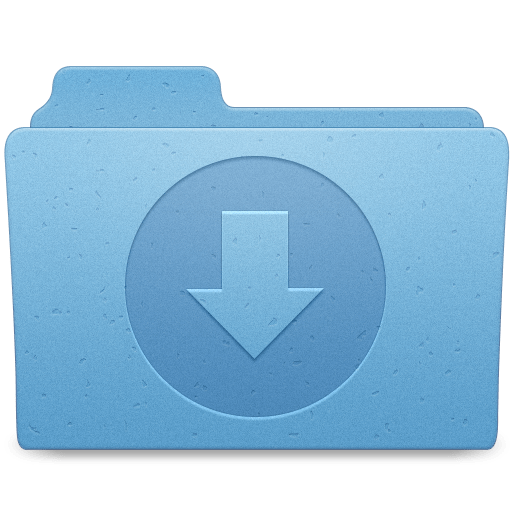
On the latest episode of the Connected podcast, Stephen Hackett explained how he keeps a download folder icon at the top of his downloads area in his dock.
This was one of my biggest pet peeves since I started using my MacBook. I hated how the icon would change to whatever was downloaded and my eye was constantly drawn to the icon because it wasn’t familiar. With this simple change, the icon is constantly a download folder.
How to setup folder icon
The setup is rather painless and I felt like a fool that I had not thought of it before Stephen explained the process.
- Go to Free Icons Library and copy the icon. Direct Download
- Open Finder > Downloads
- Create a new folder and name it with just asterisks
*** - From the menu bar click File > Get Info
- Click to select the folder, then again from the menu bar, click Edit > Paste to insert the copied image.
That’s it!
You now have a clean folder icon that will constantly stay the same even after you download more files. Next, go ahead and set your downloads folder to list like a sane person.