AirPods get new firmware update
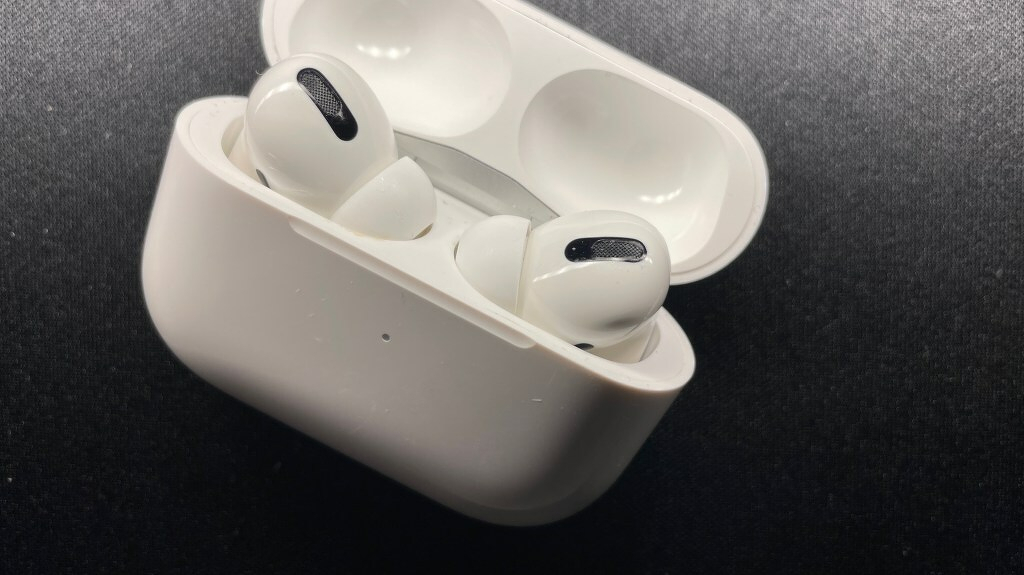
If you have AirPods, the AirPods Pro, or the AirPods Max, Apple released new firmware updates today. To check and see if you have the update, connect your AirPods to your iOS device.
- Open the Settings app
- Tap 'General'
- Tap 'About'
- Tap 'AirPods'
- Look at the number next to 'Firmware Version'
If the number is 4A400, you have updated AirPods! If your device still shows 3E756 for the AirPods Max or 3E751 for the AirPods Pro, your earbuds are not updated yet. Give it some time and they should update soon.
If your Pro or Max go missing, you can report them as lost in the Find My app. If someone with an updated iOS device comes within range of your headphones, you will get an alert.