Mac Widgets
Stephen Hacket at 512px wrote about Apple’s now-defunct Dashboard for Mac. His post inspired me to complain about the Mac desktop and how it could be improved.
I never owned a Mac during the time of the Mac Dashboard but I have been very frustrated with the lack of widgets on the desktop. I use two monitors connected to my MacBook and would love to have some iOS widgets available on the laptop’s desktop. to keep open as passive information.
The current widgets hidden away in the Notification Center slide out. To me, this completely defeats the purpose of having an always at the ready widget.
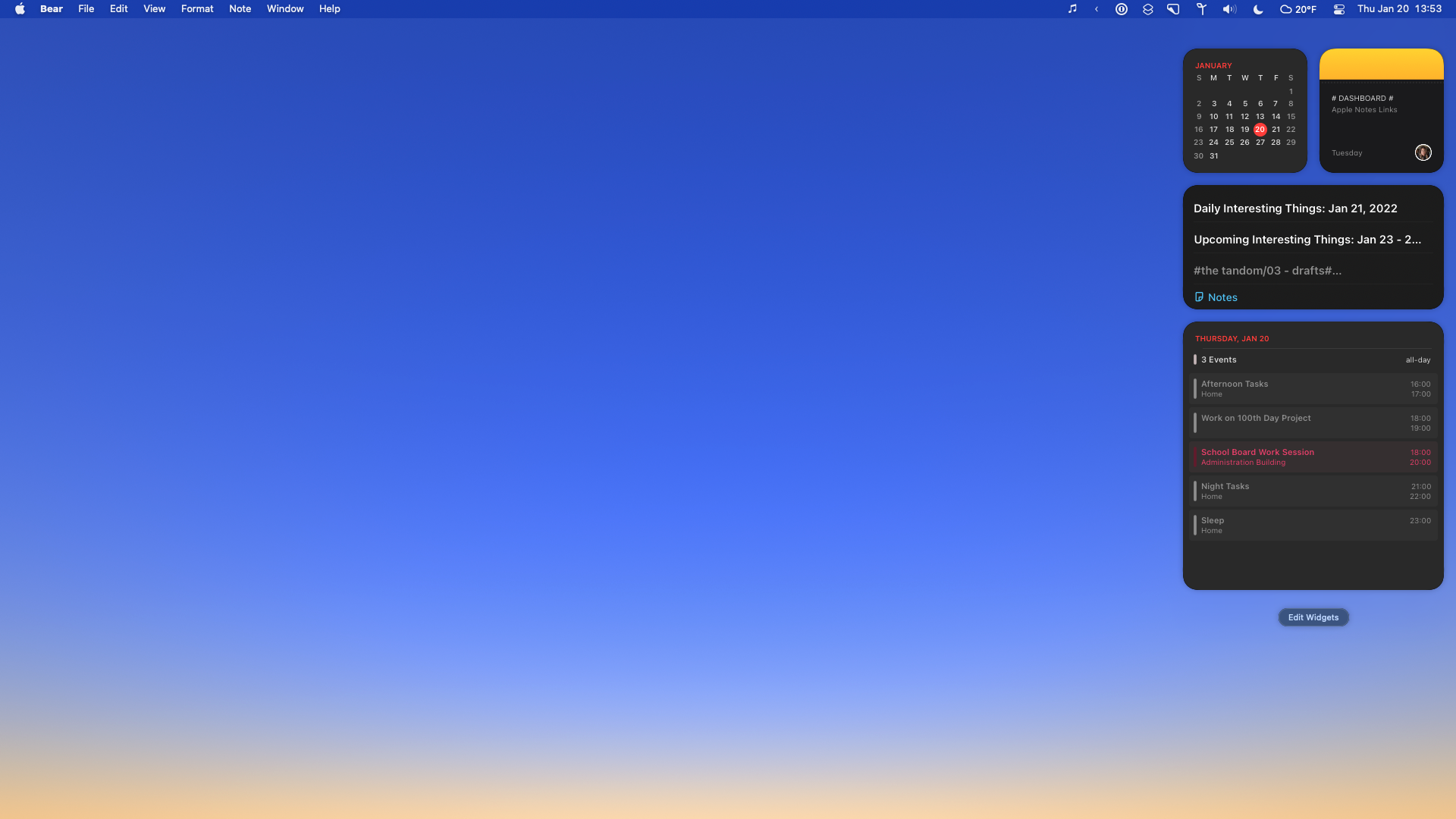
In the screenshot above, there is so much empty space that could be utilized instead of just being blank. I think that an iPad-style grid would be fantastic.
I like the Siri App Suggestions widget on iOS. This would be a perfect widget on the Mac desktop to bring up often used applications based on time and usage.

I have substituted this need by having my iPad or iPhone open next to my Mac to have my to-do list, calendar, music, etc. up at all times so that they are just a tap away. Unfortunately, this doesn’t help much for applications I want to be opened on my Mac.
While I normally agree with Stephen on many things, he has updated his post with similar ideas from above as pointed out by this tweet. He shoots down the idea of having an iPad-like experience. I think that widgets need to play a part in the Mac experience and applications need to be more accessible instead of tucked away in the dock.
John Gruber chimed in and brought up that nobody he knows uses Launchpad. So, that would not be a place to add in widget support.
Apple - I say, let us have widgets on the desktop.