How to Double Tap Your Way to Fun and Productivity with Apple Watch
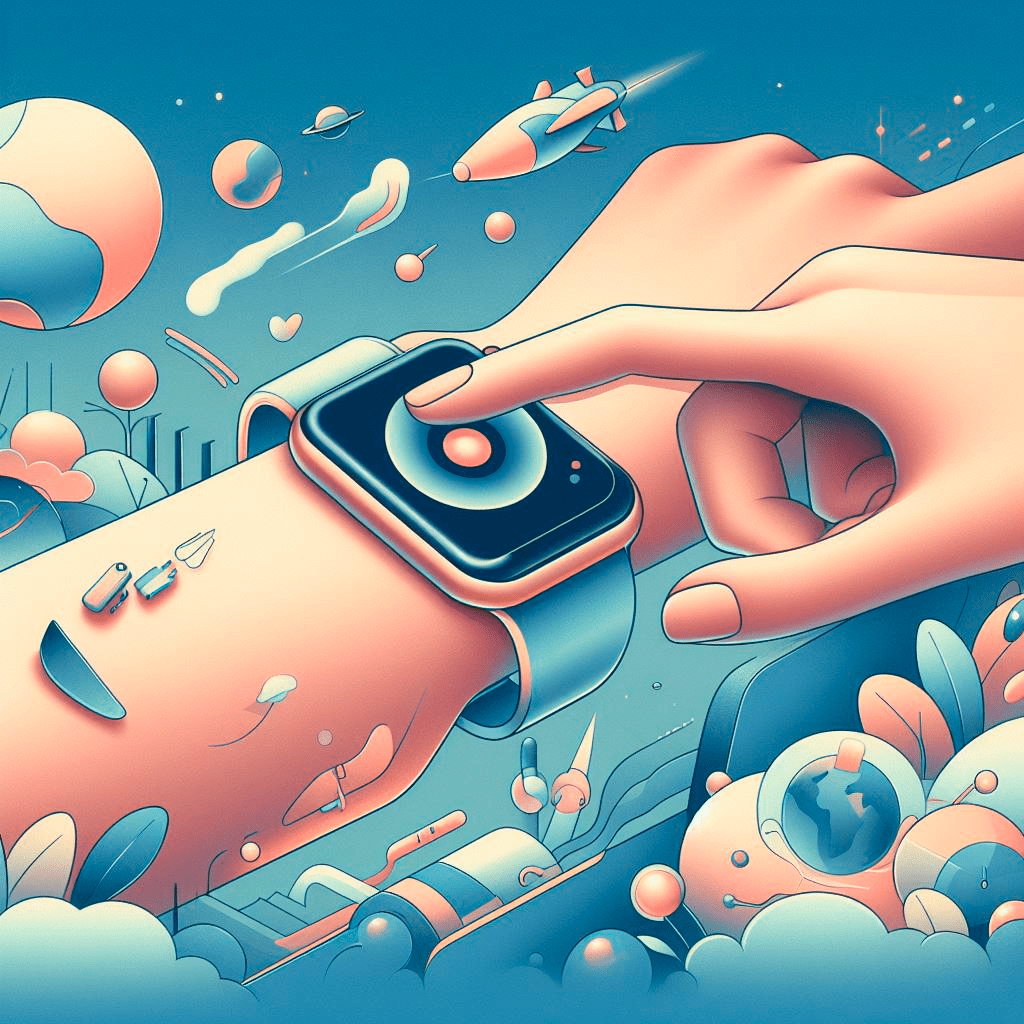
Do you love your Apple Watch? Do you want to make it even more awesome? Well, you’re in luck, because Apple has just released a new feature that lets you double tap your watch face to do all kinds of cool things. Here’s how it works and why you should try it out.
What is Double Tap?
Double tap is a new gesture that Apple introduced with watchOS 10.1, the latest software update for Apple Watch. It lets you quickly access your favorite apps, settings, and features by tapping your index finger and thumb of your watch hand together twice to quickly perform many of the most common actions. You can customize what double tap does for you in the Watch app on your iPhone.
What Can You Do with Double Tap?
You can use double tap to do a lot of things, depending on what you need or want. For example, you can use it to:
- Switch between two watch faces that you like. This is great if you want to change your look or mood throughout the day. You can have one watch face for work and another one for play, or one for day and another one for night.
- Launch your most used app. This is handy if you want to save time and avoid scrolling through the app grid or dock. You can choose any app that you have installed on your watch, such as Messages, Music, Workout, or Maps.
- Control your music playback. This is useful if you want to listen to your tunes without taking out your phone or touching your AirPods. You can play, pause, skip, or rewind songs with a simple double tap.
- Turn on or off Do Not Disturb, Theater Mode, or Silent Mode. This is convenient if you want to avoid distractions or interruptions during a meeting, a movie, or a nap. You can silence your watch notifications and sounds with a quick double tap.
How to Set Up Double Tap?
Setting up double tap is easy and fun. Here’s how you do it:
- Make sure your Apple Watch is running watchOS 10.1 or later. You can check this by going to Settings > General > About on your watch, or by opening the Watch app on your iPhone and tapping General > About.
- Open the Watch app on your iPhone and tap My Watch > Accessibility > Double Tap.
- Choose what you want double tap to do for you. You can select from four options: Switch Watch Face, Open Favorite App, Control Audio, or Toggle Settings.
- If you choose Switch Watch Face, you can pick two watch faces that you want to switch between. You can also reorder them by dragging them up or down.
- If you choose Open Favorite App, you can select any app that you have installed on your watch. You can also change the app anytime by tapping Edit.
- If you choose Control Audio, you can adjust the volume and skip tracks by double tapping and swiping up or down on the watch face. You can also pause or resume playback by double tapping again.
- If you choose Toggle Settings, you can turn on or off Do Not Disturb, Theater Mode, or Silent Mode by double tapping and swiping left or right on the watch face. You can also see which setting is active by looking at the icons on the top left corner of the screen.
Why Should You Try Double Tap?
Double tap is a fun and easy way to make your Apple Watch more personal and powerful. It lets you access your favorite features faster and easier than ever before. It also gives you more control over your watch experience and how it fits your lifestyle. Whether you want to be more productive, more creative, or more relaxed, double tap can help you achieve it