Hate Reading in iOS 26? Here’s the Fix
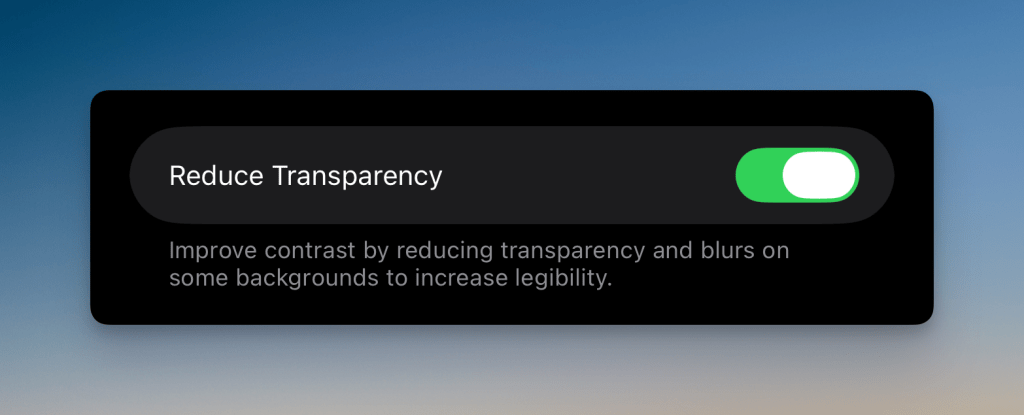
To anyone that has updated to iOS 26 and loves the new look, but hates the legibility of the text. I recommend doing the following with your iPhone.
On your iPhone, follow these simple steps in iOS 26:
- Open the Settings app
- Go to Accessibility
- Tap Display & Text Size
- Then toggle on Reduce Transparency